
Quick answer and first checks
Assign a responsible person and destination account for each request type. Two buttons pointing to one number do not automatically distribute conversations between departments. When reviewing Converly channels, do not assume that routing automation exists.
- Match request types with responsible teams
- Verify the receiving account of every button
- Test labels and destinations on the live site
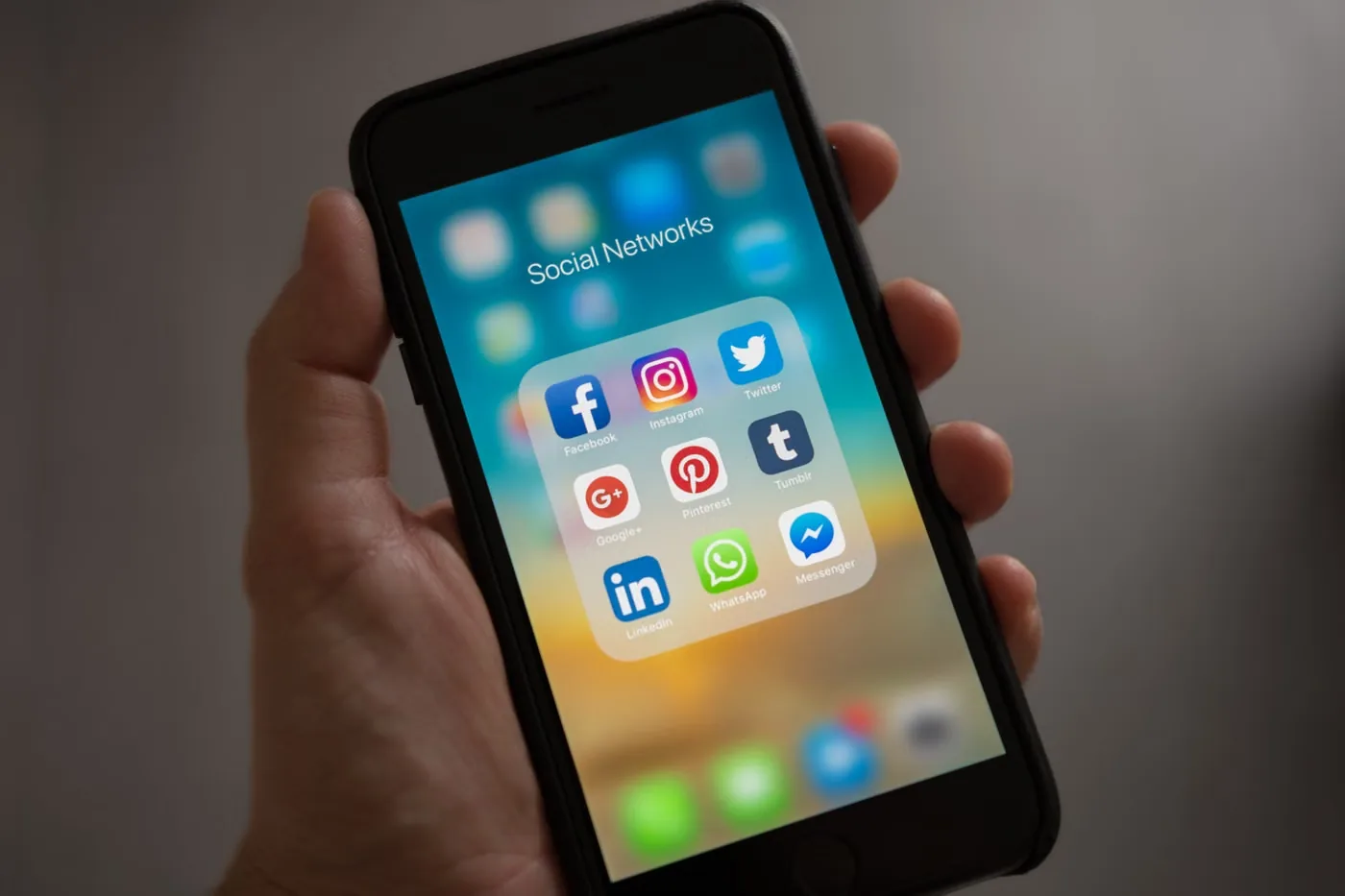
Assign an owner before choosing a button
Two WhatsApp buttons pointing to the same number do not create two departments. If one team handles everything, a single clearly described destination may be enough. For separate teams, record the responsible person, availability and a fallback channel for each destination.
For example, new enquiries could go to a sales number while order issues go to a support mailbox. This is a hypothetical workflow, not a client result or a claim about Vebixo Studio response times.
Build and verify the links
- Confirm the sales and support destinations with the people answering them. Check international dialling codes.
- In Studio Editor, a standard button can link to a WhatsApp web address. Use the appropriate phone or email destination for the other team.
- Choose labels such as “WhatsApp sales” and “Email order support” rather than two identical “Contact us” buttons.
- If you add a suggested message, keep it general. Do not include payment details, private order information or sensitive data in the URL.
- Open every link on the published site and verify the account receiving the request.
Consider Converly for a shared contact menu
Converly brings channels such as WhatsApp, phone and email into one launcher. Channel support does not mean the app automatically distributes conversations between departments. Check whether the installed version lets you represent the labels and destinations you need. We do not describe unverified dashboard controls here.
Checks and common questions
On a phone, check that cookie controls and other fixed elements do not cover the contact menu. On desktop, reach the choices with a keyboard. If a destination fails, replace it with a verified shared channel until the team resolves it.
Can one number serve both departments?
Yes, but separate labels only identify the topic. You still need a process for deciding who handles the conversation.
Does a WhatsApp click send a message?
The link opens the conversation. Sending depends on the visitor’s action in their messaging app. A click is not evidence of a completed support request.
Sources and scope
Sources reviewed: 16 October 2026. Wix interfaces and app versions may change. Official sources support Wix behaviour; the example scenarios and checklists are the workflow proposed by this guide.
